



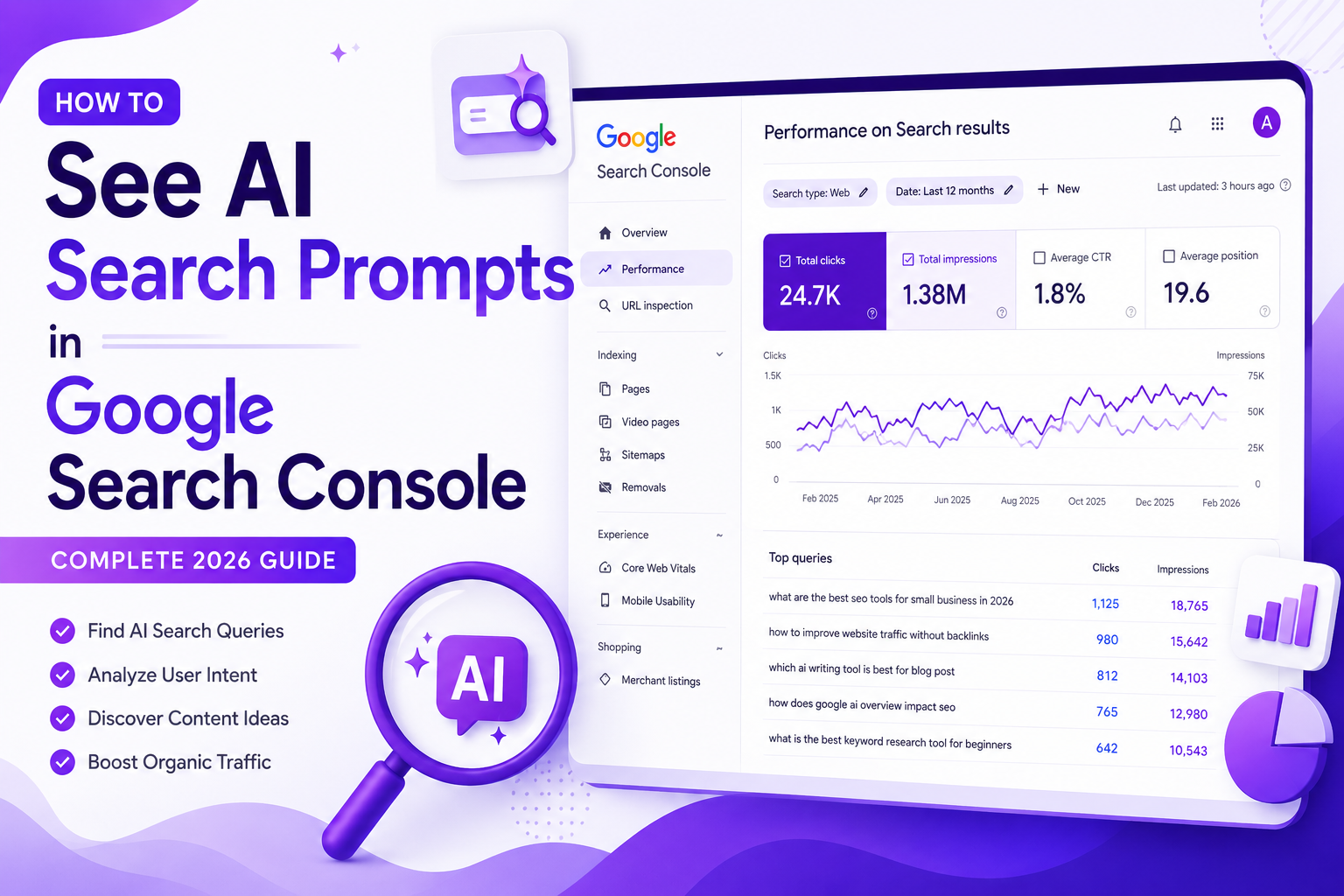
How to See AI Search Prompts in Google Search Console
Artificial intelligence is changing the way people search online. Instead of typing short keywords like “best SEO tools,” users now ask complete questions such as “What are the best SEO tools for beginners in 2026?” These longer, conversational searches are often called AI search prompts.
If you’re an SEO professional, blogger, or website owner, learning how to see AI search prompts in Google Search Console can help you understand what your audience is really looking for. While Google Search Console doesn’t label searches as “AI prompts,” it provides valuable query data that helps you identify conversational searches and optimize your content accordingly.
In this guide, you’ll learn what AI search prompts are, whether Google Search Console can show them, why they matter for SEO, and how to find them using filters and regex.
What Are AI Search Prompts?
AI search prompts are detailed, natural-language queries that users type into modern search engines. Instead of entering only a few words, people ask complete questions or describe their problems in detail.
You can see AI search prompts in Google Search Console by analyzing long, conversational search queries using the Performance report.
Traditional Search Queries vs. AI Search Prompts
Traditional search queries are usually short and direct.
Examples:
- SEO tools
- Email marketing
- WordPress hosting
AI search prompts are much more conversational.
Examples:
- Which SEO tool is best for a small business with a limited budget?
- How can I improve my website traffic without buying backlinks?
- What is the easiest way to learn technical SEO in 2026?
These longer searches help search engines better understand user intent and provide more accurate results
AI Mode Data in Search Console
We also know, thanks to reports from Barry Schwartz, that AI Mode data will be available in Google Search Console. This shows that Search Console can collect information about how people search using AI tools and large language models (LLMs).
see AI search prompts in Google Search Console. Based on what we’ve studied so far, this is likely where the data comes from. After applying the AI Mode filter in Search Console, you can clearly see a steady increase in impressions over the past three months.
How to Find AI-Style Search Queries in Google Search Console
If you want to discover search queries that look like see AI search prompts in Google Search Console the easiest way is to focus on longer searches. People usually type full questions or detailed requests when using AI tools, and many of these can also appear in Google Search Console.
You can filter these long queries by using a simple regular expression (regex). Follow these steps:
- Open Google Search Console.
- Go to Performance → Search Results.
- Click Add Filter → Query.
- Select Custom (Regex).
Paste this regex:
^(?:\S+\s+){9,}\S+$
This filter shows search queries that contain 10 or more words.
After applying the filter, you’ll notice that many queries read like conversations instead of traditional keyword searches. They often look similar to the prompts people type into AI tools.
Here are a few examples:
- Plan a full-day trip to Glacier National Park with scenic hiking trails, wildlife spots, and nearby places to eat.
- Which email marketing platforms help improve email deliverability, reduce spam, and increase inbox placement?
- What are the best sales intelligence platforms for enterprise analytics and buyer engagement in France?
- Which data visualization software would you recommend for analyzing complex business and customer data?
At the moment, there is no official proof that these queries come directly from AI platforms like ChatGPT or Google’s AI Mode. They could simply be users searching Google with more detailed, conversational questions. However, when you see AI search prompts in Google Search Console, these long, natural-language queries can still provide valuable insights into how people search and what information they are looking for.
Even so, this data is still valuable. It gives you a better understanding of how people naturally ask questions and what kind of detailed information they want. These insights can help you create content that matches modern search behavior and AI-style queries.
As SEO expert Will Critchlow once said, “We’re doing business, not science.” As search continues to move toward AI answers and fewer clicks, using the data available in Search Console can give you an advantage. Whether you use these insights is ultimately your choice.
Why AI Search Prompts Matter for SEO
AI search prompts are changing the way people search online. Instead of typing a few keywords, users now ask detailed questions in a natural, conversational style. This shift gives SEO professionals a better understanding of what users really want.
By analyzing these longer queries in see AI search prompts in Google Search Console, you can discover new content ideas, identify common customer questions, and create pages that match user intent more accurately. Optimizing for AI-style prompts also increases your chances of appearing in AI-generated search results and featured answers.
As AI-powered search continues to grow, focusing on conversational queries can help improve your content strategy, attract more relevant visitors, and stay ahead of changes in modern search behavior.
How to See AI Search Prompts in Google Search Console
Open Google Search Console, go to Performance, filter Queries using a custom regex for 10+ words, and review long, conversational searches that closely resemble AI-style prompts.
Step 1: Open Google Search Console
Log in to your Google Search Console account.
📷 Screenshot Placeholder: Login dashboard
Step 2: Go to Performance → Search Results
Click Performance in the left menu.
Then choose Search Results to open your website’s search performance report, where you can see AI search prompts in Google Search Console by analyzing long, conversational search queries.
📷 Screenshot Placeholder: Performance report
Step 3: Select the Last 12 Months
Choose the last 12 months’ date range.
Using a longer period gives you more search data and helps identify recurring conversational queries.
📷 Screenshot Placeholder: Date filter
Step 4: Add a Query Filter
Click + New and select Query.
This allows you to filter search queries based on specific conditions.
📷 Screenshot Placeholder: Query filter menu
Step 5: Choose Custom (Regex)
Select Custom (Regex) from the filter options.
Regex allows you to search for patterns instead of individual keywords. It helps you filter long, conversational queries, making it easier to see AI search prompts in Google Search Console and understand how users search with natural-language questions.
📷 Screenshot Placeholder: Regex option
Conclusion
Learning how to see AI search prompts in Google Search Console can give you valuable insights into how people search in today’s AI-driven world. Although Google Search Console does not directly label AI search prompts, you can use query filters and regex to identify long, conversational searches that reflect real user intent.
By analyzing these queries, you can discover content gaps, improve existing pages, and create articles that better answer your audience’s questions. Regularly reviewing AI search behavior also helps you stay ahead of SEO trends and optimize for AI-powered search experiences.
Make it a habit every month to track changes in search patterns and use those insights to build content that attracts more qualified traffic, improves rankings, and supports long-term organic growth.
Frequently Asked Questions
- What regex should I use to find AI-style queries?
Use this regex: ^(?:\S+\s+){9,}\S+$. It filters queries containing 10 or more words, making conversational searches easier to identify. - Are these queries definitely from AI tools?
No. They may come from AI platforms or users searching Google with detailed, natural-language questions. Google has not confirmed their exact source. - Why are AI-style search prompts important for SEO?
They reveal user intent, inspire content ideas, and help you optimize pages for conversational searches and evolving AI-powered search experiences